
-
Select the Share map workflow from the sidebar
-
Select the share map link from the list
-
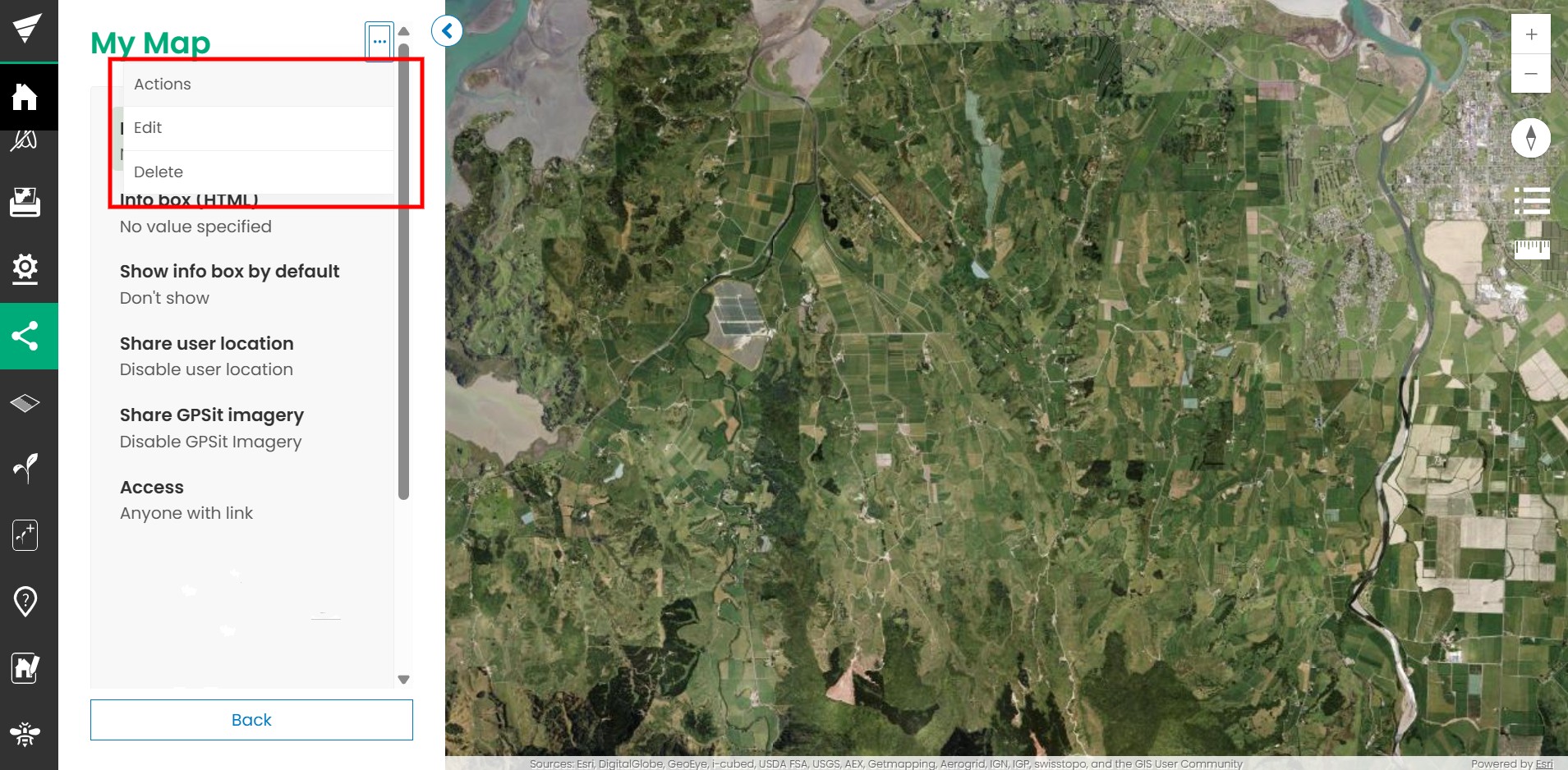
Click on the context menu (three dots in the top right)
-
Click Delete
-
Update as required
-
Click Delete share map or Cancel to exit
You need to have admin permission to delete a share link. Contact your administrator if you cannot see the delete button.