
-
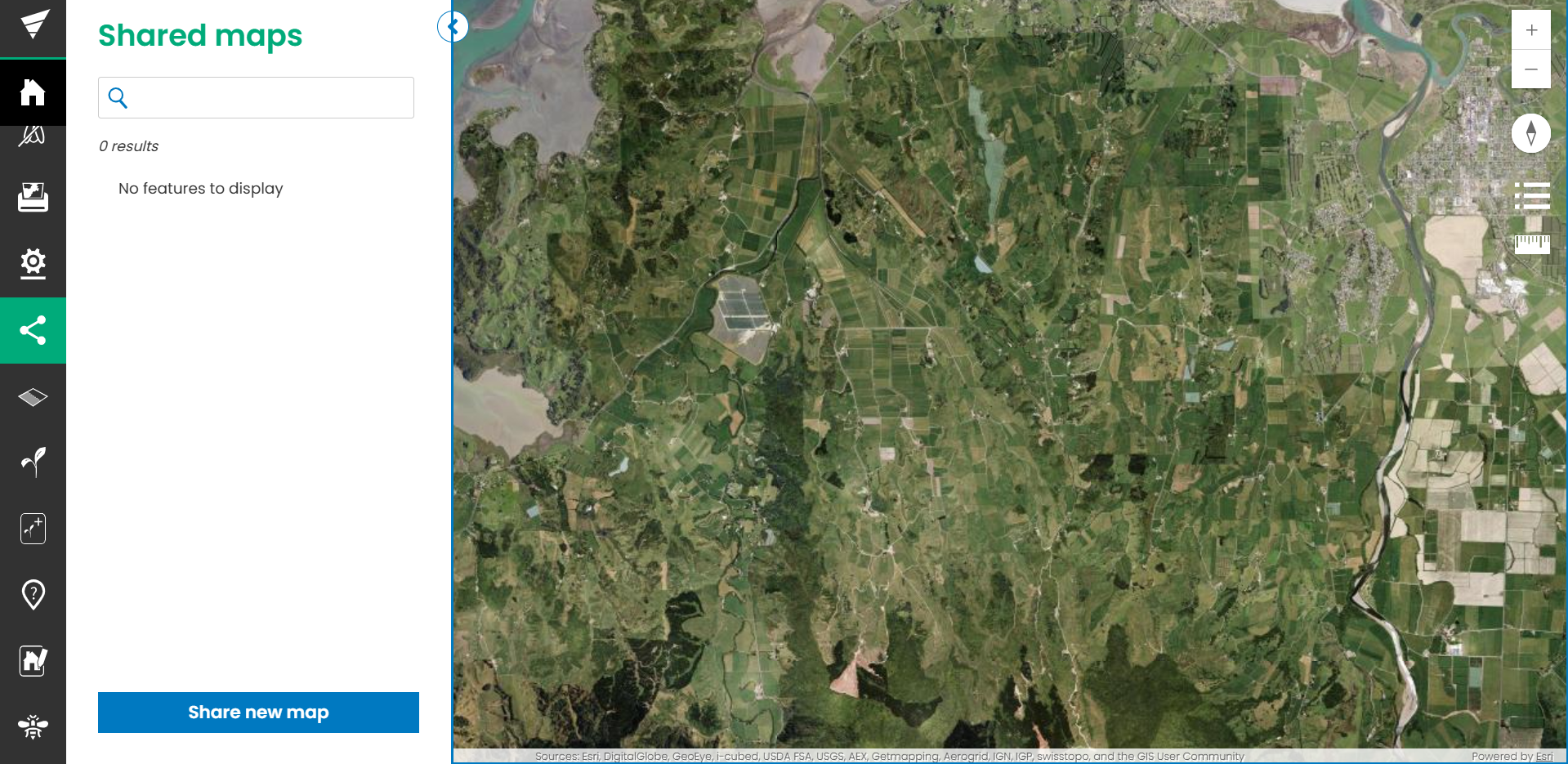
Select the Share map workflow from the sidebar
-
Select the Share new map button at the bottom
-
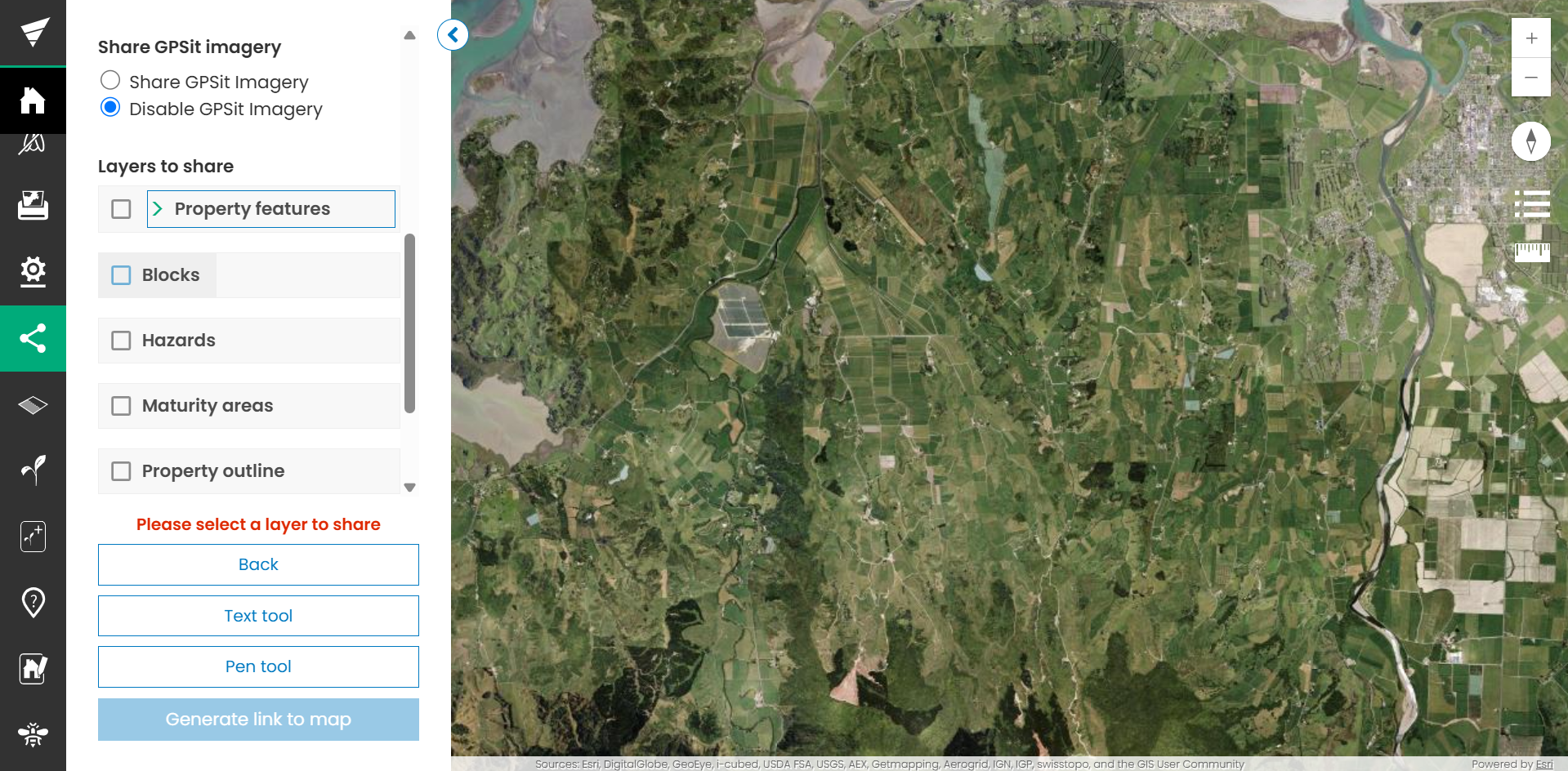
Confirm the options, including Share map name, link expiry, accessibility and layers. You can also create annotations, by using the text tool and the pen tool. These annotations will be saved to the Share Map, so your visitors can see them too.
-
Click Generate link to map
-
Select Copy link → Close
-
Share as required.
Once created, you can update the expiry, password or layers shared by choosing the edit function.