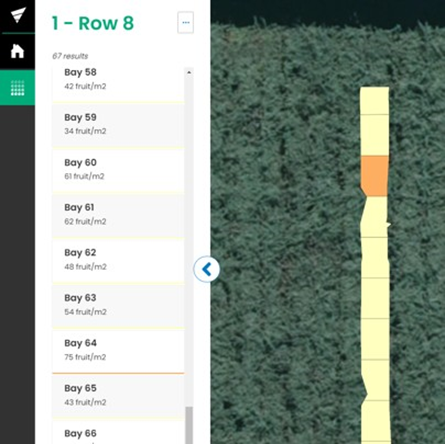
Once an estimate visit is complete, Orchard Managers and Growers can view the results in Landkind.
You must be logged in to the Zespri DCE organisation to view property data. Find out how to change organisations.
DCE data can only be viewed from within an individual property, learn how to navigate to a property.
DCE is only available through the browser not in the Landkind mobile app
View Data
-
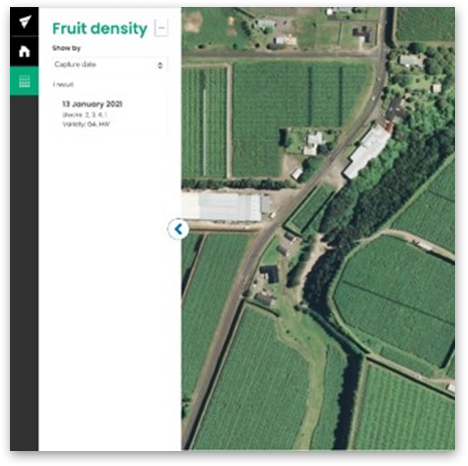
Navigate to the Fruit Density workflow
-
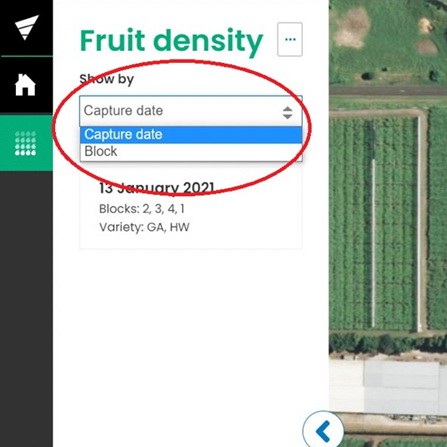
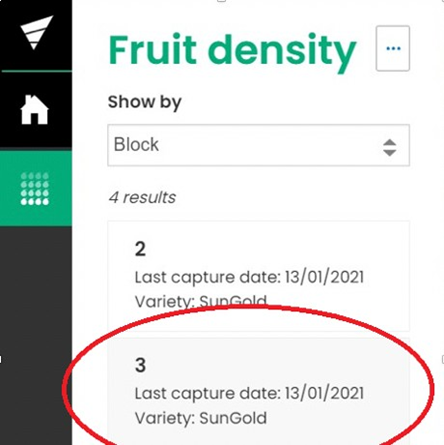
Chose your preferred data view (capture date or block) from the dropdown menu
-
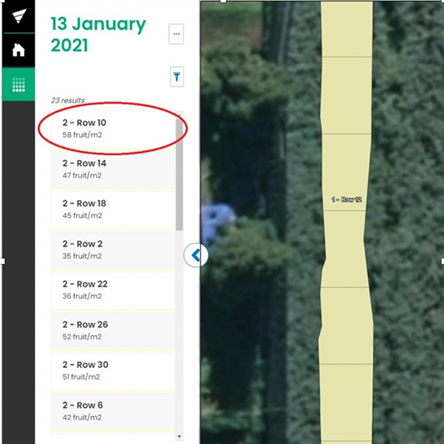
Select a block or capture date from the menu to open the corresponding data
-
From a selected block or capture date, you can choose a row to view. The average density of each row will be visible beneath the row name
-
By selecting a row, you can then view the density of each bay