
Dry Matter readings taken in the field can be viewed as a summary on the desktop.
You must be logged in to the Landkind Demo organisation to view this data. Find out how to change organisations if you have access to multiple.
Sunforest data can only be viewed from within an individual property, learn how to navigate to a property.
View Data
-
Navigate to the Sunforest Data Viewer workflow
-
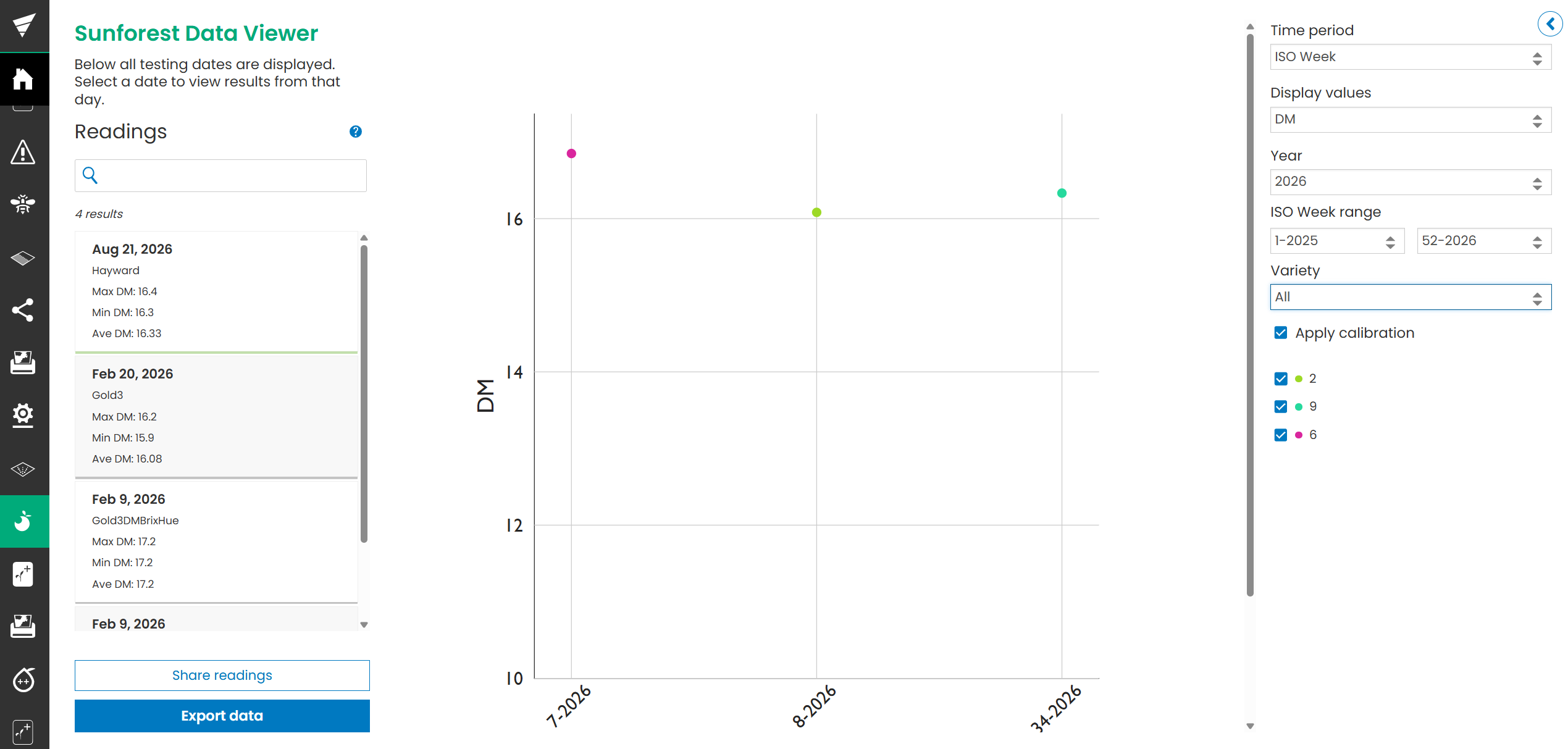
A summary list of readings will display based on the date they were captured, by variety. Therefore, if you have 2 readings on the same day for different varieties, you will see two items in the list.
-
Click on a date to view a visual representation of the results by block across the orchard
-
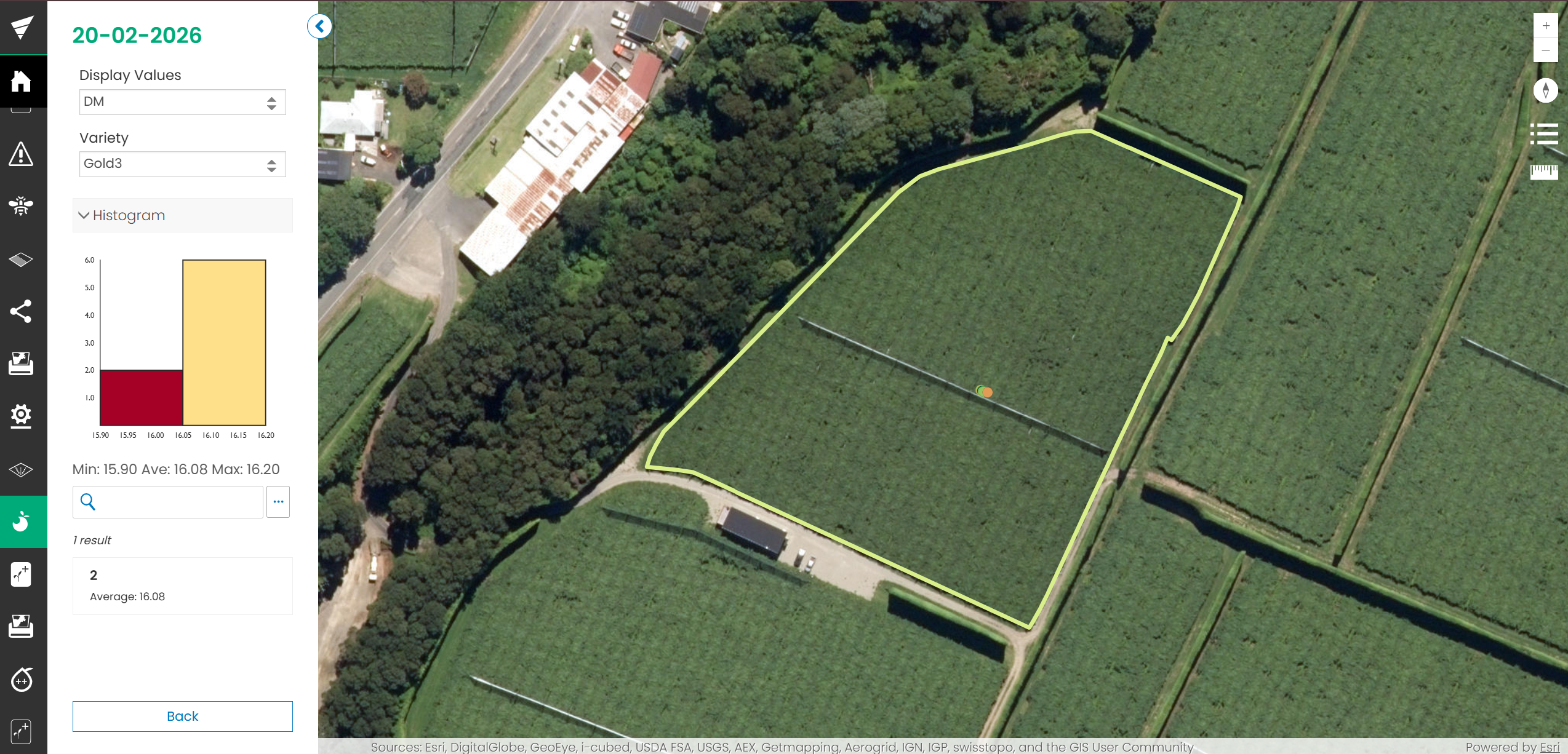
Click on a block to view readings in detail
-
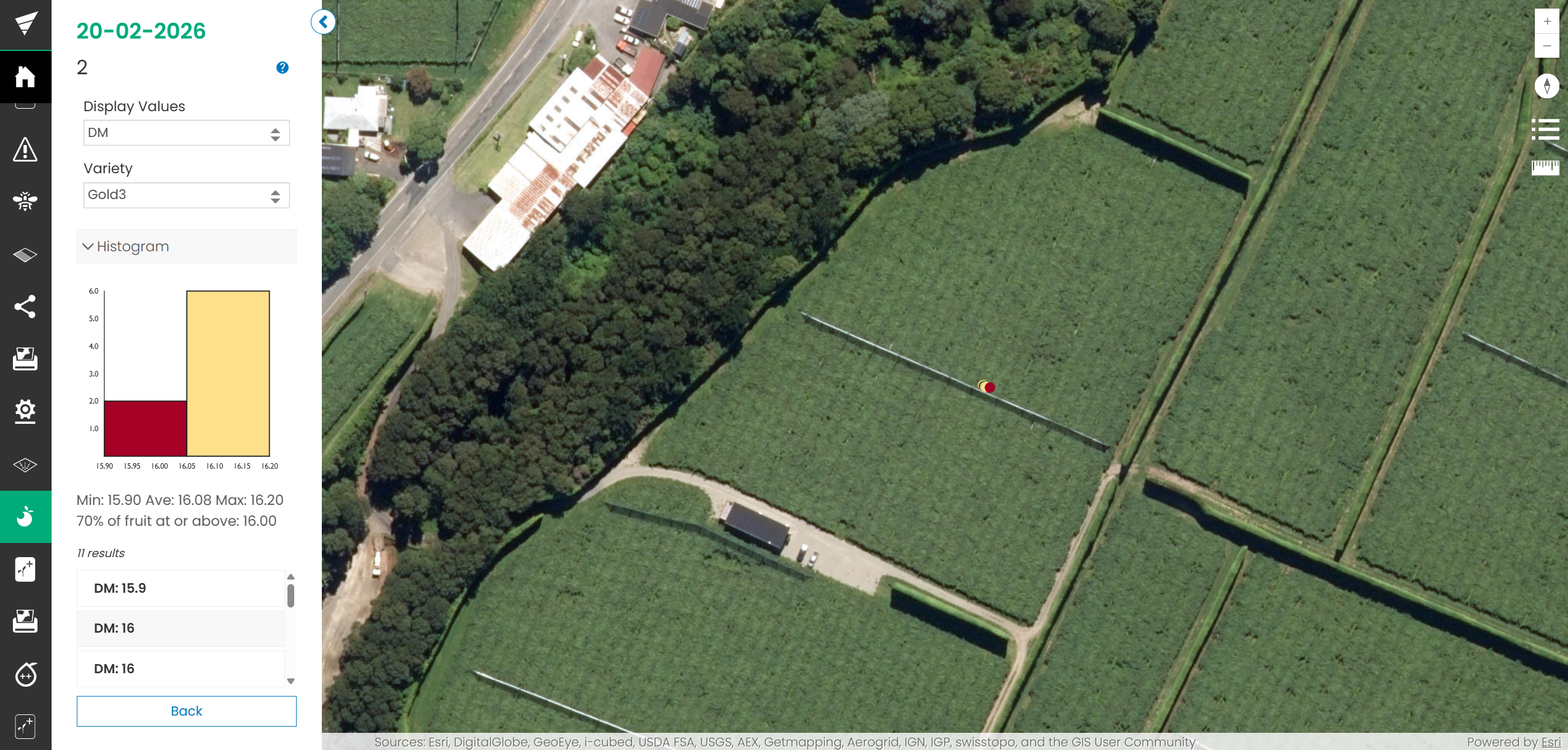
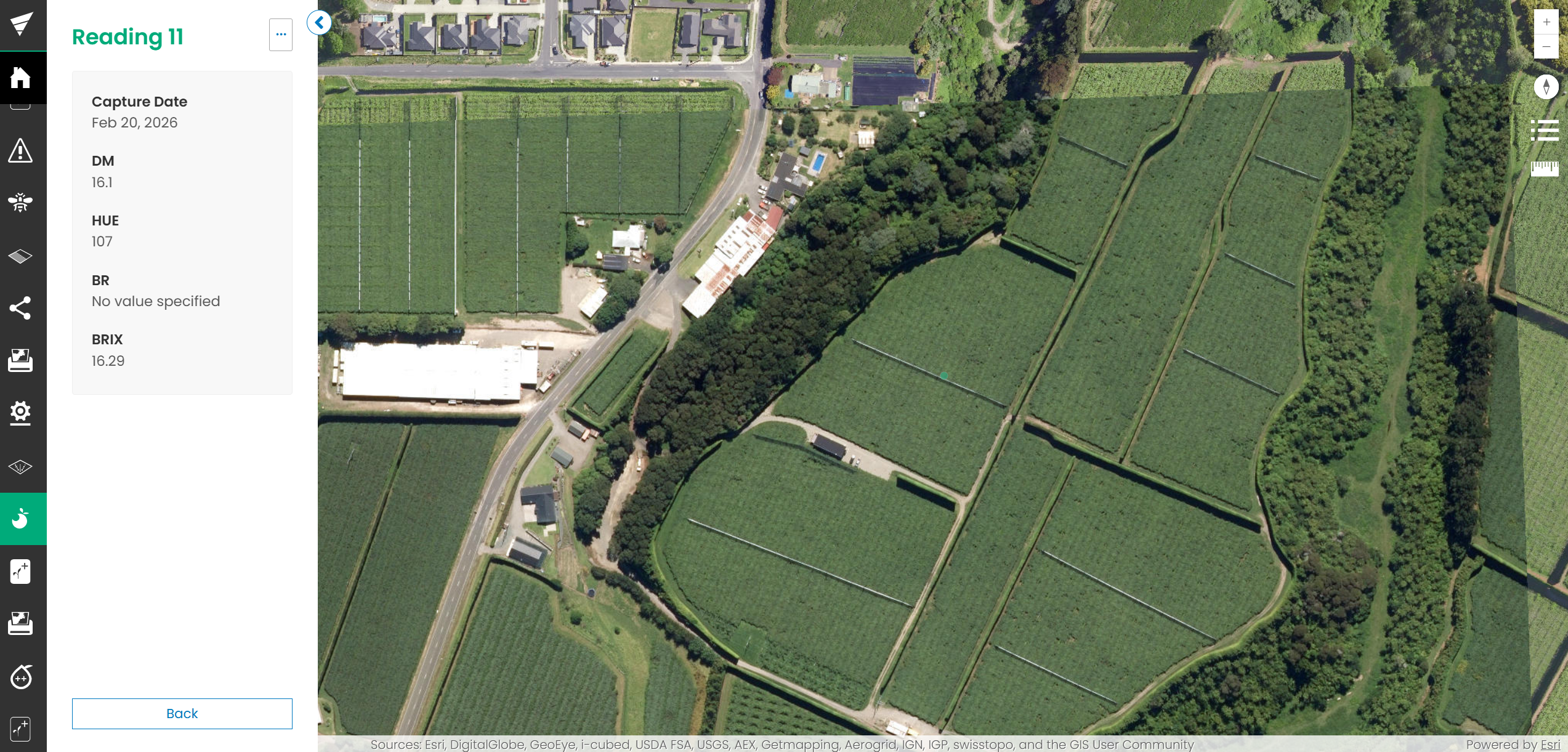
Click on a reading to view the details
-
Click Back and repeat to review other blocks or dates