
The Block Summary workflow is a way for you to view an overview of all blocks across the organisation.
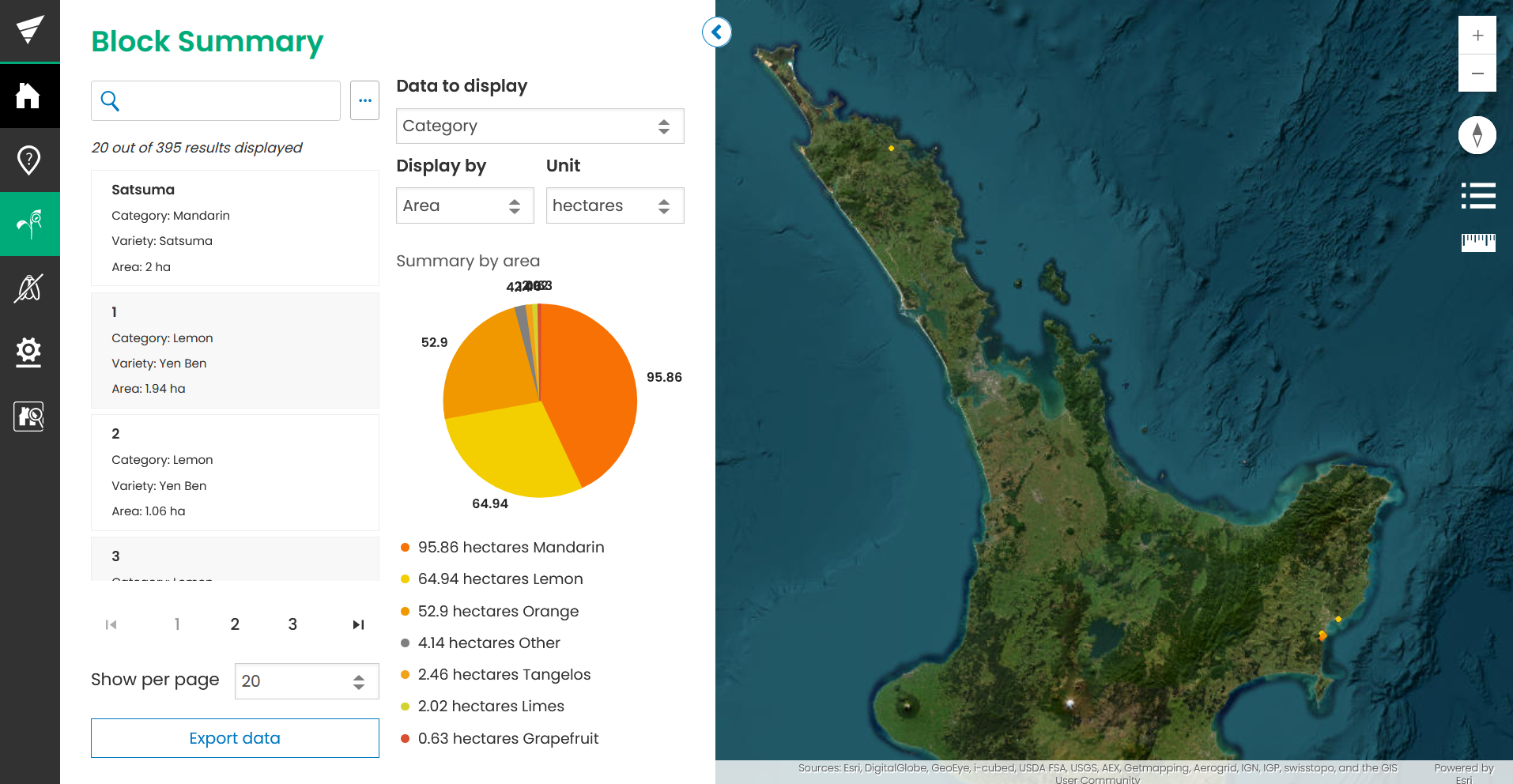
Home view
On the home view, you will see all blocks for properties your user has access to. These will also appear on the map.
The graph will show you a breakdown of your blocks, and you can adjust the graph breakdown using the dropdown menus.
You can click on a block in the list to view more details.
Export
Click the ‘Export’ button to export all the block data your user has access to, into a CSV document.